What Should a Small Business Website Include? Pages and Features That Win Customers
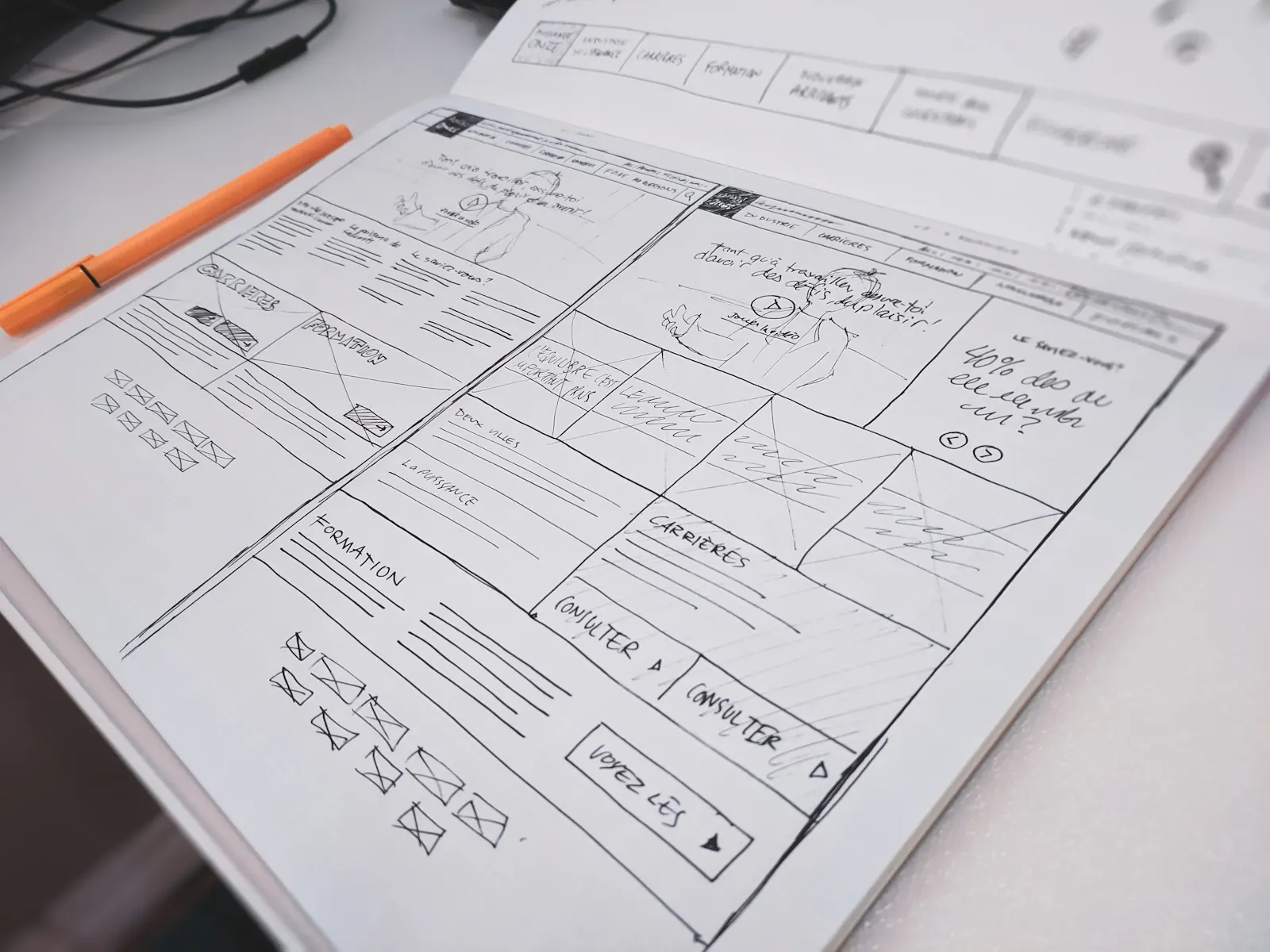
Most small business websites are built page by page from a template: home, about, services, contact. The pages exist, but nobody decided what each one has to achieve. The result is a site that looks finished and still leaves visitors unsure whether to call.
A better starting point is the visitor's question. Someone landing on your site wants to know three things quickly: do you do what I need, can I trust you, and how do I get in touch? Every page and feature below exists to answer one of those questions.
Use this as a checklist when planning a new site or reviewing your current one. If you are still budgeting, our guide on how much a small business website costs explains how the number of pages affects price.
The Core Pages Every Small Business Website Needs
1. Homepage
The homepage is a signpost, not a brochure. In the first screen a visitor should see what you do, who you do it for, where you work and how to contact you.
A weak headline: "Welcome to Smith & Sons." A stronger one: "Emergency plumbing and boiler repair in Tampa, 7 days a week." The second tells a visitor in two seconds that they are in the right place.
Below the first screen, the homepage should point people to your main services, show proof (reviews, project photos, accreditations) and repeat the main call to action.
2. One page per core service
This is where most small sites fall short. A single "Services" page listing everything in bullet points cannot rank for individual services and cannot answer detailed questions.
Each service page should cover:
- What the service is and who it is for.
- The problems it solves, in the customer's words.
- What the process looks like, from first call to finished job.
- Price guidance or what affects the price, if you can share it.
- Relevant photos, reviews and FAQs.
- A clear next step.
3. About page
People buy from people, especially for services in their home or business. A good about page explains who runs the business, how long you have worked in the field, what you care about and what qualifications or licenses you hold. Real photos of your team do more than any stock image.
4. Contact page
Make contacting you effortless: phone number, email, a short form, your service area or address, and opening hours. If you answer calls outside office hours, say so. If you aim to reply within a set time, state it.
5. Reviews or testimonials
Proof works best when it sits next to the claim it supports, so place reviews on service pages too. A dedicated reviews page is still useful for visitors who want to read more. Only use real reviews from real customers, with their permission where you name them.
6. Work examples or case studies
Before-and-after photos for trades, portfolio pieces for creative services, short case studies for consultants. Explain the problem, what you did and the result, without exaggerating.
7. FAQ content
Answer the questions you hear on the phone every week: pricing factors, timelines, guarantees, areas covered, payment options. FAQs reduce hesitation and often answer the exact long-tail questions people type into Google.
8. Legal pages
A privacy policy is essential if you collect any personal data through forms or analytics. Depending on your market you may also need a cookie notice and terms. In the UK and EU, cookie consent rules are stricter than in most US states.
Features That Turn Visitors Into Enquiries
Click-to-call phone number
On phones, the number should be tappable and visible without scrolling. For urgent services, keep a call button fixed to the screen.
Short, focused contact forms
Ask only for what you need to respond: name, contact details and a short description. Every extra field reduces completions. You can gather details later.
Clear calls to action on every page
Tell visitors what to do next in plain words: "Book a free inspection," "Get a quote in 24 hours," "Call now for emergency repairs." For more on this, see our guide to building a high-converting small business website.
Trust signals near the decision point
Licenses, insurance, guarantees, years in business, association memberships and review ratings should appear near forms and buttons, not only on the about page.
Mobile-first layout
Most local searches happen on phones. Design for a thumb on a small screen first, then scale up.
Fast loading
Slow pages lose visitors before they read anything. We explain what to fix and how to test it in our guide to website speed for small businesses.
The Technical Foundations
These are invisible to visitors but decide whether the site can be found and trusted:
- Secure connection (HTTPS): browsers warn visitors about insecure pages.
- Unique page titles and meta descriptions: they shape how each page appears in Google results.
- Clear heading structure: one H1 per page and logical H2 and H3 headings.
- Image alt text: describes images for screen readers and search engines.
- XML sitemap and Google Search Console: help Google discover and report on your pages.
- Analytics with consent: measure what works, and respect privacy laws.
- Accessibility: readable contrast, keyboard navigation and labeled forms help every visitor and reduce legal risk. Our guide to website accessibility and ADA compliance explains what that involves.
- Backups and updates: a plan for keeping the site secure after launch.
Features You Can Usually Skip
Some features add cost without adding customers for most small businesses:
- Image sliders and carousels: visitors rarely see past the first slide, and they slow pages down.
- Auto-playing video with sound: irritating on phones and in offices.
- Chatbots with no one behind them: an unanswered chat damages trust more than having no chat.
- A blog you will never update: an empty blog with one post from three years ago looks abandoned. Start one when you can commit to it.
- Pop-ups on page load: they block the information visitors came for.
A Quick Self-Check for Your Current Site
Open your site on your phone and answer honestly:
- Can I tell what this business does and where, within five seconds?
- Can I call with one tap without scrolling?
- Does each main service have its own page?
- Are there real reviews and real photos?
- Does the contact form work, and does someone answer it quickly?
- Do pages load quickly on mobile data?
Any "no" is a priority to fix before adding new features.
Frequently Asked Questions
How many pages should a small business website have?
Enough to give each core service its own page, plus home, about, contact and any proof pages. For many service businesses that means somewhere between eight and twenty pages. Quality matters more than page count.
What is the most important page on a small business website?
For most service businesses it is the individual service pages, because that is where people searching for a specific service land and decide whether to contact you.
Should a small business website have a blog?
A blog helps when you publish useful articles regularly that answer customer questions. If you cannot keep it updated, focus on strong service pages and FAQs first.
Do I need a privacy policy on my website?
If you collect any personal data, including through a contact form or analytics, you should have a privacy policy that explains what you collect and why.
Final Thoughts
A small business website does not need to be large or complicated. It needs to answer three questions clearly on every page: what you do, why someone should trust you and how to get in touch.
If you would like help planning the right pages for your business, start with a free website audit or see how we design websites for small businesses.