How to Build a High-Converting Website for Your Small Business
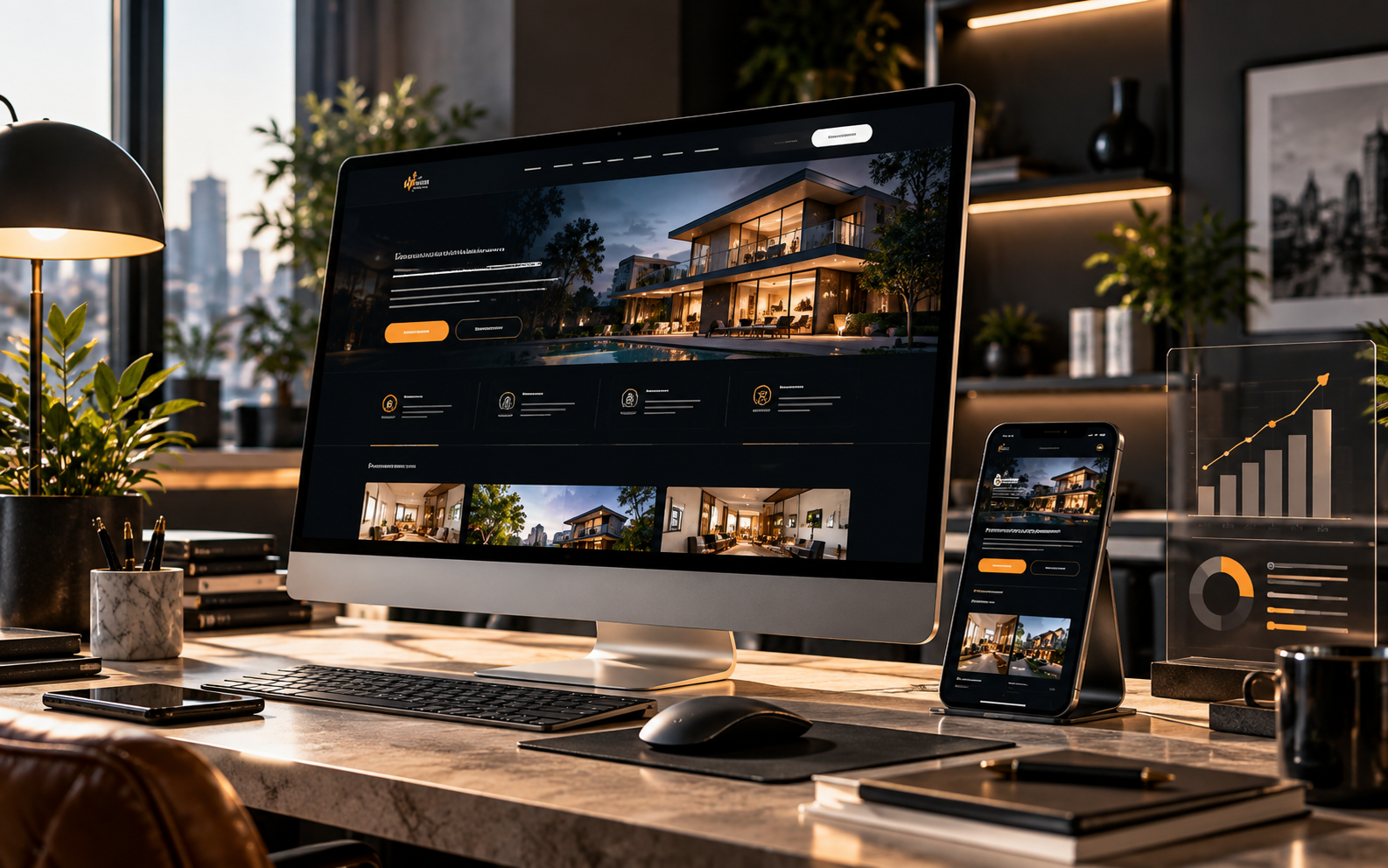
A website is often the first interaction a potential customer has with your business. Before someone calls, sends an inquiry, requests a quote, or makes a purchase, they may visit your website to decide whether your business is worth trusting.
However, simply having a website is not enough. Many business websites look attractive but fail to generate meaningful results because they focus too heavily on appearance and not enough on user experience, messaging, performance, and conversion strategy.
A high-converting website is built around one clear objective: turning relevant visitors into leads, customers, or meaningful business inquiries.
Start With a Clear Business Goal
Before choosing colors, layouts, images, or animations, define what you want your website to accomplish.
For a service business, the primary goal might be generating quote requests or phone calls. For an e-commerce business, it may be increasing purchases. A consulting company may want visitors to schedule a consultation, while a startup may need users to sign up for a product.
Your website structure should support that primary goal.
Ask yourself:
- What action should visitors take?
- Who are my ideal customers?
- What problem are they trying to solve?
- What information do they need before contacting me?
- What makes my business different from competitors?
When these questions are clear, it becomes much easier to build a website that supports actual business objectives.
Make Your Value Proposition Immediately Clear
Visitors should not have to search through your website to understand what you offer.
Your hero section should communicate three important things quickly:
- What your business provides
- Who you provide it for
- Why someone should choose you
For example, instead of using a vague headline such as “Welcome to Our Company,” a service business could clearly explain what it does and the outcome it provides.
The supporting text should reinforce the message without overwhelming the visitor. A strong call-to-action should then give them an obvious next step.
Clarity reduces friction and helps visitors determine whether your business is relevant to them.
Build a Logical Website Structure
A high-converting website should guide visitors through a natural decision-making process.
A typical business website might follow this structure:
The exact structure depends on the business, but every section should have a purpose.
Avoid adding sections simply because they look good. If a section does not help visitors understand your offer, build trust, overcome an objection, or take action, consider whether it needs to be there.
Design for User Experience
Good design is not only about visual appearance. It is also about making the website easy to use.
Visitors should be able to find important information without unnecessary clicks or confusion.
Focus on:
- Simple navigation
- Clear page hierarchy
- Readable typography
- Strong visual contrast
- Consistent buttons
- Logical content sections
- Easy-to-use contact forms
- Clear mobile navigation
A professional website should feel effortless to navigate.
Make Your Website Mobile-Friendly
A large portion of website visitors may access your business through smartphones. A website that works well on desktop but feels difficult to use on mobile can lose potential customers.
Responsive design should ensure that content, images, buttons, forms, menus, and layouts adapt properly to different screen sizes.
Pay particular attention to:
- Button sizes
- Font readability
- Navigation
- Image scaling
- Form usability
- Section spacing
- Page loading speed
Mobile optimization should be considered during the design and development process, not added as an afterthought.
Prioritize Website Performance
Website speed can directly affect the user experience. A slow website can create friction before visitors even have a chance to understand your offer.
Performance optimization can include:
- Compressing and properly sizing images
- Reducing unnecessary scripts
- Optimizing CSS and JavaScript
- Using efficient fonts
- Implementing caching
- Optimizing hosting and server configuration
- Reducing unnecessary animations
Aim for pages where visitors can reach important information quickly. Google's Core Web Vitals are a useful way to measure that.
Use Strong Calls-to-Action
A visitor should always have a clear next step.
Depending on your business, calls-to-action could include:
- Get a Free Quote
- Book a Consultation
- Start Your Project
- Request a Callback
- Contact Our Team
- Get Started
Avoid relying on a single CTA at the top of the page. Strategic calls-to-action can be placed throughout the website when they naturally follow relevant information.
The CTA should also match the visitor's stage in the decision-making process. Someone reading about your services may be ready to learn more, while someone who has reviewed your case studies may be ready to contact you.
Build Trust Before Asking for Action
People are more likely to contact a business when they feel confident about its credibility.
Your website can build trust through genuine evidence such as:
- Client testimonials
- Case studies
- Portfolio projects
- Business information
- Relevant experience
- Service details
- Guarantees or policies where applicable
- Clear contact information
Avoid making unsupported claims. Real examples and specific information generally communicate credibility more effectively than exaggerated marketing language.
Show Real Results and Case Studies
Case studies help potential customers understand what working with your business can look like.
Instead of simply saying that you provide high-quality services, demonstrate how you solved a problem.
A useful case study can explain:
This gives potential customers a clearer understanding of your capabilities and makes your portfolio more meaningful.
Write Content Around Customer Needs
Website content should not focus entirely on what your business does. It should explain how your services help the customer.
For example, instead of only saying:
“We develop custom software.”
Explain the business value:
“We build custom software that helps businesses automate repetitive workflows and manage operations more efficiently.”
The second message connects the service with a problem and an outcome.
This approach should be applied throughout your website, including service pages, headlines, supporting content, FAQs, and CTAs.
Optimize Your Website for Search Engines
A high-converting website also needs to be discoverable.
SEO should be considered from the beginning of the website project rather than after launch.
Important areas include:
- Search-focused page titles
- Clear H1 and H2 headings
- Relevant keywords
- Descriptive URLs
- Internal linking
- Useful original content
- Image optimization
- Mobile responsiveness
- Technical SEO
- Structured data where appropriate
- Fast page performance
Each page should have a clear search intent rather than trying to rank for every keyword.
For example, a website design page can target people searching for website design for small businesses, while a custom software page can target people looking for software built around their business. Google's SEO starter guide covers the basics.
Make Contact Simple
Even an excellent website can lose leads if contacting the business is difficult.
Your contact experience should be straightforward.
Consider providing:
- A short contact form
- Email address
- Phone number
- WhatsApp or messaging option where relevant
- Clear response expectations
- Service selection options
Do not ask for unnecessary information. Every additional field creates another point of friction.
Use Analytics to Understand Visitor Behavior
Once your website is live, the work should not necessarily stop.
Analytics can help you understand:
- Which pages receive the most traffic
- Where visitors come from
- Which pages generate inquiries
- Which CTAs receive interaction
- Where users leave the website
- Which devices visitors use
This information can help identify opportunities for improvement.
Instead of redesigning the entire website based on assumptions, use actual visitor behavior to determine where changes may be useful.
Continuously Improve Conversion Rates
Conversion optimization is an ongoing process.
Small changes can sometimes make a meaningful difference. You might test:
- Different headlines
- CTA wording
- Form length
- Page layouts
- Service descriptions
- Trust elements
- Contact placement
- Images and visual hierarchy
Base each change on evidence of where visitors get stuck, and test one thing at a time.
Common Website Mistakes to Avoid
Several common mistakes can reduce the effectiveness of a business website:
- Vague messaging
- Too many competing CTAs
- Slow-loading pages
- Poor mobile experience
- Complicated navigation
- Generic stock imagery
- Long blocks of difficult-to-read text
- Missing contact information
- Weak trust signals
- Overuse of animations
- Content focused only on the company rather than the customer
A premium website should feel intentional. Every major design and content decision should serve a purpose.
What a High-Converting Website Looks Like by Industry
The principles above apply to every business, but the first thing a customer needs varies by industry.
- Roofers, plumbers, electricians and HVAC companies: tap-to-call buttons, clear service areas, reviews, and proof of licensing or insurance where it applies. Emergency services belong near the top of the page.
- Cleaning companies: a plain list of services and areas, any insurance or bonding, and a short quote form.
- Clinics: a clear route to the right service, information about who provides the care, and a booking calendar that works on a phone.
- Cafés and restaurants: menu, hours and location on the first screen, with a readable menu page rather than a blurry PDF.
- Independent real estate agents: local knowledge and a recognizable person, which are the things national portals can't offer.
- Consultants and freelancers: a specific niche, examples of past work and a simple way to book a call.
You can see how this works on the live websites we've built.
How Much Does a Small Business Website Cost?
Published 2026 guides generally put a professionally built small business website at roughly $3,000 to $15,000, with DIY builders costing far less per month. In the UK, packages aimed at tradespeople range from monthly subscriptions to several thousand pounds for a bespoke build.
Most of those figures come from companies selling websites, so treat them as a rough guide. Compare what each quote includes: page count, copywriting, SEO setup, hosting, and who can edit the site afterwards. A cheap site that brings in no enquiries costs more than it appears to.
Final Thoughts
A high-converting website combines clear messaging, strong design, usability, performance, trust, SEO, and conversion strategy .
The strongest business websites make it easy for visitors to understand the offer, believe in the business, and take the next step.
When these elements work together, your website becomes a steady source of leads and sales. For a second opinion on yours, request a free website audit or see our website design service for small businesses.