Electrician Website Design: Earning Trust for Work People Cannot Check
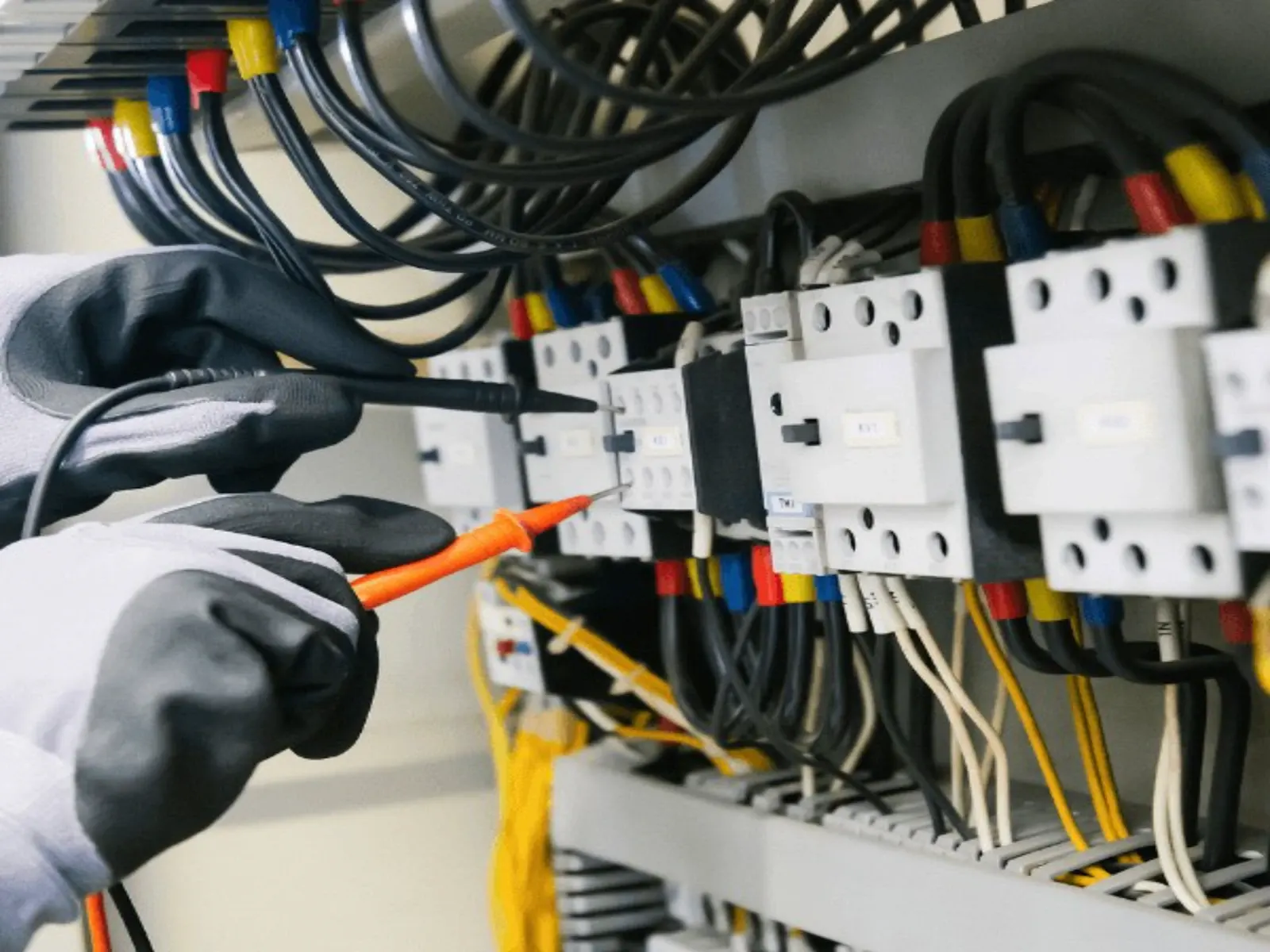
Most homeowners can see whether a roof was replaced or a floor was laid well. Electrical work is different. It sits behind walls and inside panels, and its quality only shows when something goes wrong. Customers know electrical work is dangerous, cannot judge it themselves, and worry about unlicensed or careless electricians.
That makes trust the central job of an electrician's website. This guide explains how to build an electrical contractor website that earns it. For the principles shared across trades, see our guide to home service business websites.
Lead With Credentials
Licensing requirements for electricians vary by state and country, but where licensing applies, customers increasingly look for it. Show your license number clearly, ideally near the top of the homepage and on every service page, along with insurance details.
A real example: Cyprus Electric, a residential electrician in Apache Junction, Arizona whose website we built, shows its Arizona Registrar of Contractors license number in a trust bar directly below its opening section, alongside its focus on residential work and its service area. Visitors see that the business is licensed within seconds of arriving.
Other credentials worth showing, if you hold them:
- Insurance coverage.
- Manufacturer certifications, for example for generators, EV chargers or smart home systems.
- Trade association memberships.
- In the UK, registration with a competent person scheme such as NICEIC or NAPIT, which matters for notifiable work.
Separate Residential and Commercial Paths
Homeowners and business clients want different things.
Homeowners want reassurance, clear explanations, tidy work and someone who respects their home. Their jobs are often repairs, upgrades and installations.
Commercial clients want reliability, scheduling around operating hours, compliance documentation, maintenance contracts and the ability to handle larger projects.
If you serve both, give each a clear path from the homepage and navigation. Mixing them on one page makes the site less convincing to both.
Service Pages That Answer Real Questions
Separate pages let you explain each service and appear in specific searches. Common residential pages:
- Electrical repairs and troubleshooting.
- Panel upgrades and replacements.
- Lighting installation, indoor and outdoor.
- Ceiling fans.
- New circuits and dedicated lines.
- EV charger installation.
- Generator installation.
- Whole-home rewiring and remodel wiring.
- Electrical safety inspections.
Each page should explain the warning signs that bring customers to you, such as flickering lights, tripping breakers or warm outlets, what you check, whether a permit is usually involved, what affects price and how long the job takes.
Safety Information Builds Authority
Short, practical safety guidance shows expertise and helps customers decide when to call:
- Warning signs that need an electrician promptly, such as burning smells, sparking outlets or frequently tripping breakers.
- What homeowners can safely check themselves, like resetting a breaker or testing a GFCI outlet, and what they should never attempt.
- When electrical work usually needs a permit and inspection.
Keep it factual. You are not trying to frighten visitors; you are showing you know your trade and care about their safety.
Proof From Real Jobs
- Before-and-after photos of panel upgrades, lighting projects and installations.
- Short job descriptions: the problem, the solution, the outcome.
- Reviews that mention professionalism, cleanliness and clear explanations.
- Team photos and names, so customers know who will arrive.
Avoid generic stock images of hands holding wires. Customers notice, and they undermine the credibility you are building.
Clear, Low-Friction Contact
- A tappable phone number on every page.
- A short request form: name, phone, address or zip code, service needed, and an optional photo of the problem.
- Clear response times, and honest after-hours information.
- Online booking for estimates or inspections where your scheduling allows.
Pricing Transparency
Explain what affects cost: the age and condition of the wiring, panel capacity, access, permits and materials. If you charge a service call or diagnostic fee, say so. Transparency reduces the fear of surprise bills, which is one of the biggest barriers to calling.
Local Visibility for Electricians
Many electrical jobs start with a map search. An accurate, complete Google Business Profile with the right categories, good photos and steady reviews helps you appear. Our Google Business Profile optimization checklist walks through each setting, and our guide to getting more Google reviews covers asking customers properly.
Common Mistakes on Electrician Websites
- License number missing or buried in the footer.
- One generic services list instead of service pages.
- No distinction between residential and commercial work.
- Stock photos instead of real projects.
- No safety or permit information.
- Contact details that are hard to use on a phone.
Example Homepage Wording for an Electrician
Adapt this structure with your own credentials and service area.
Headline: Licensed residential electricians serving Mesa, Gilbert and Chandler.
Supporting line: Repairs, panel upgrades, lighting and EV chargers, done safely, explained clearly and backed by our workmanship guarantee.
Trust bar: license number, insured, years in business, review rating.
Two paths: Homeowners (repairs, upgrades, installations) and Businesses (commercial maintenance and projects).
Warning signs block: Burning smell, sparking outlet or breakers that keep tripping? Call us now.
Closing call to action: phone number and estimate request button.
Electrician Website Build Checklist
| Page or feature | Must include | Why it matters |
|---|---|---|
| Homepage | License, area, phone, residential and commercial paths | Trust and relevance in seconds |
| Repairs and troubleshooting page | Warning signs, diagnostic process, fees | Converts urgent searches |
| Panel upgrade page | Signs you need one, permits, timeline, cost factors | High-value planned work |
| EV charger and generator pages | Requirements, process, brands supported | Growing, specific searches |
| Commercial page | Maintenance, compliance, scheduling around hours | Different buyer, different needs |
| Safety information | When to call, what not to attempt | Builds authority and trust |
| Reviews and photos | Real jobs, clean work, named team | Proof for invisible work |
| Contact | Click-to-call, short form, photo upload | Fewer lost enquiries |
Frequently Asked Questions
What should an electrician's website include?
License and insurance details, separate pages for each service, clear residential and commercial paths, real project photos and reviews, safety guidance, pricing factors and simple contact options with click-to-call.
Should electricians show their license number on their website?
Where licensing applies, yes. Displaying your license number prominently builds trust and lets customers verify you quickly.
How can an electrician get more leads from a website?
Make credentials and reviews visible early, create service pages for the jobs you want more of, keep contact quick on mobile and respond to enquiries promptly.
Do electricians need separate pages for EV chargers and generators?
If you offer them, yes. They are specific, higher-value services that people search for directly, and separate pages answer their questions better.
Final Thoughts
An electrician's website has to earn trust for work customers cannot see or judge. Put credentials up front, separate residential and commercial work, explain services and safety clearly, show real proof, and make contacting you simple.
If you would like an electrical contractor website that does this well, see how we built websites for contractors like Cyprus Electric, explore our website design service or request a free website audit.